KatClaw
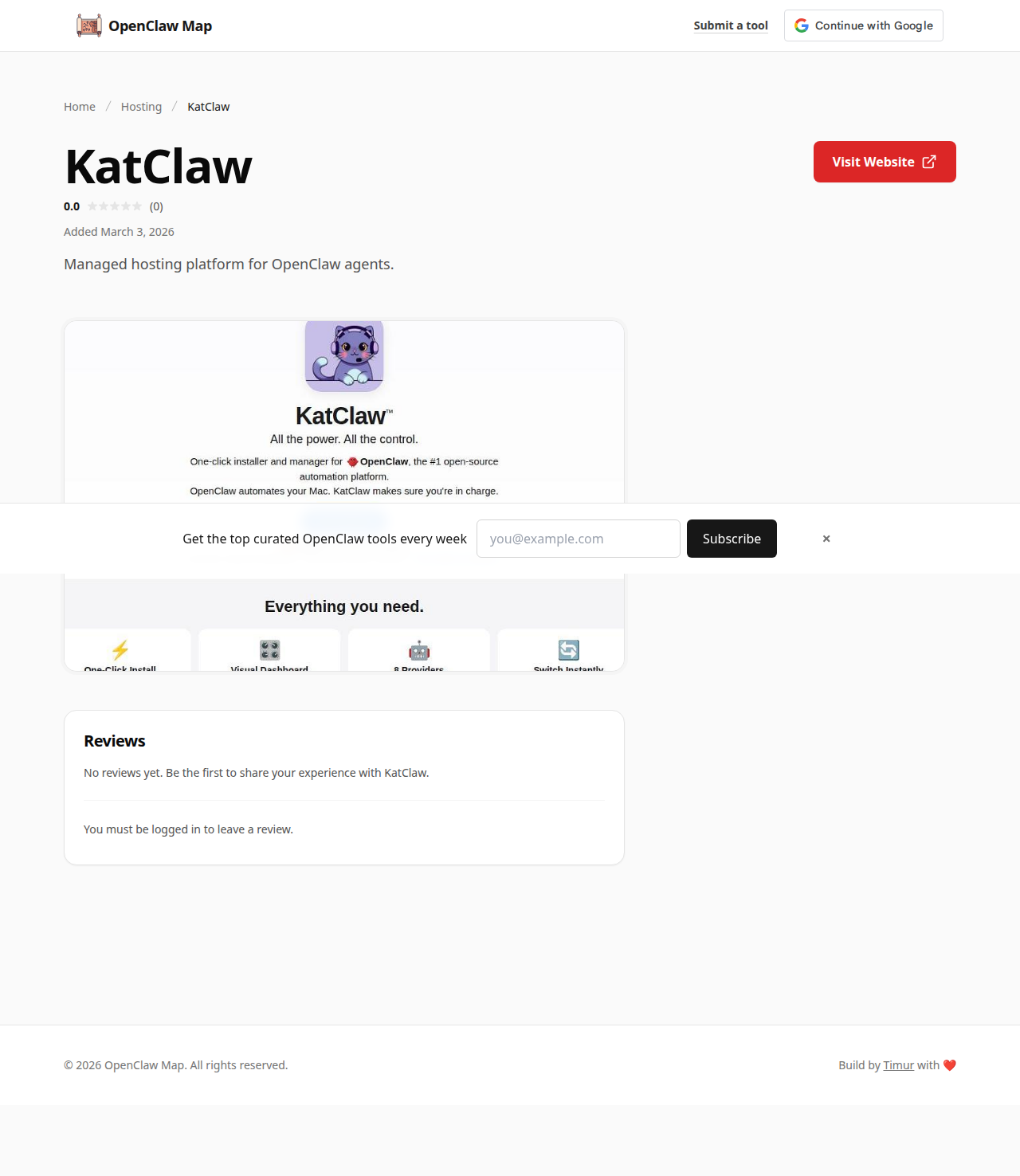
KatClaw is a macOS-native one-click installer and manager for OpenClaw, aimed at users who want automation power without touching a terminal.
About
KatClaw is a macOS-native one-click installer and manager for OpenClaw, aimed at users who want automation power without touching a terminal. It provides a visual dashboard for configuring OpenClaw, switching between 8 AI providers (Claude, GPT, Gemini, DeepSeek, and more), and managing security settings — all while keeping everything local on your Mac. A notable differentiator is its three-tier security model and one-click security audit that scans your agent configuration and flags risky settings.
Mac users who want to run OpenClaw locally with a polished GUI and strong security defaults, without any DevOps or CLI involvement. Particularly well-suited for users who are cautious about what automation can access on their system.
Pros & Cons
Pros
- check Genuinely Mac-native GUI — no npm, no config files, no command line required
- check Three configurable security levels (Conservative, Moderate, Full Access) plus one-click audit make it safer for less experienced users
- check Supports VM sandboxing for full host system isolation; API keys stored in macOS Keychain, not plaintext
Cons
- close Mac-only; no Windows or Linux support
- close Still requires a separate AI provider API key to function (no bundled model access)
- close Free for first 100 users only — pricing beyond that isn't yet published
More Hosting
Other tools in the same category.