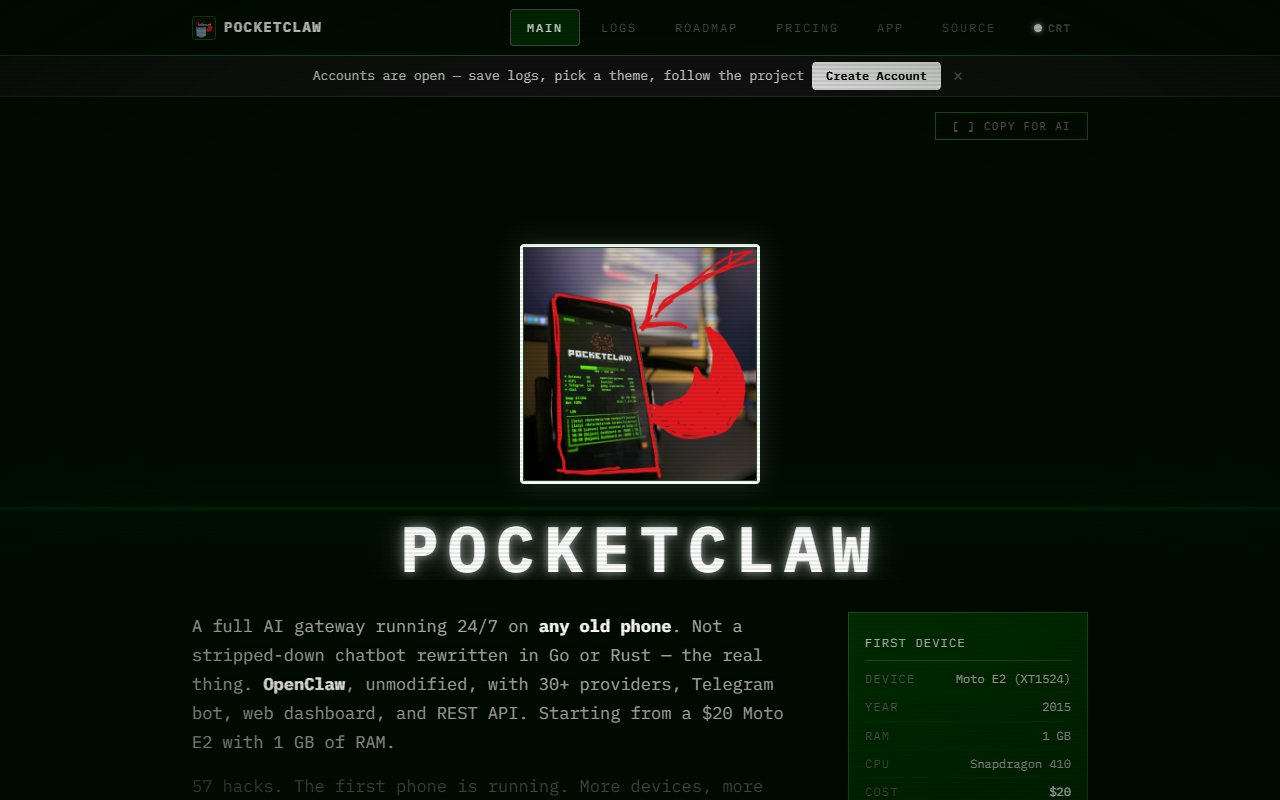
PocketClaw
PocketClaw is a project that runs a full OpenClaw AI gateway on old, low-end Android phones — starting with a 2015 Moto E2 with 1 GB of RAM.
About
PocketClaw is a project that runs a full OpenClaw AI gateway on old, low-end Android phones — starting with a 2015 Moto E2 with 1 GB of RAM. It runs the real, unmodified OpenClaw software (not a stripped-down port), connecting to 30+ AI providers including Gemini, OpenAI, Groq, and Claude, complete with a Telegram bot, REST API, and web dashboard. Getting there required 57 documented modifications to work around hardware limits, from cross-compiling Node.js 22 with the Android NDK to using a kernel exploit for root access. The project's goal is to prove that any discarded phone can serve as a permanent, no-subscription AI gateway.
Developers and tinkerers who want a self-hosted, always-on AI gateway without a recurring cloud bill, and are comfortable with hands-on setup. Also useful for anyone interested in the technical challenge of running heavyweight Node.js software on severely constrained Android hardware.
Pros & Cons
Pros
- check Eliminates server costs entirely — your hardware, your power bill, no monthly VPS fee
- check Runs the full, unmodified OpenClaw stack with multi-provider support, not a watered-down client
- check All 57 hacks are documented and open-source, so the techniques are replicable on other devices
- check Works with free AI provider tiers (Gemini, Groq, Cerebras) meaning zero ongoing cost is achievable
- check Ships with both a native Android launcher app and an Electron desktop app for remote management
Cons
- close Highly experimental — it started as a one-person weekend project and is still in early phases
- close Requires comfort with Termux, command-line setup, and Android internals; not a one-click install
- close Performance is constrained by the hardware: 385 MB RAM headroom leaves little margin for busy workloads
- close Only one device is currently proven; support for other phone models is still on the roadmap
More Infrastructure
Other tools in the same category.


